Remember every conversation
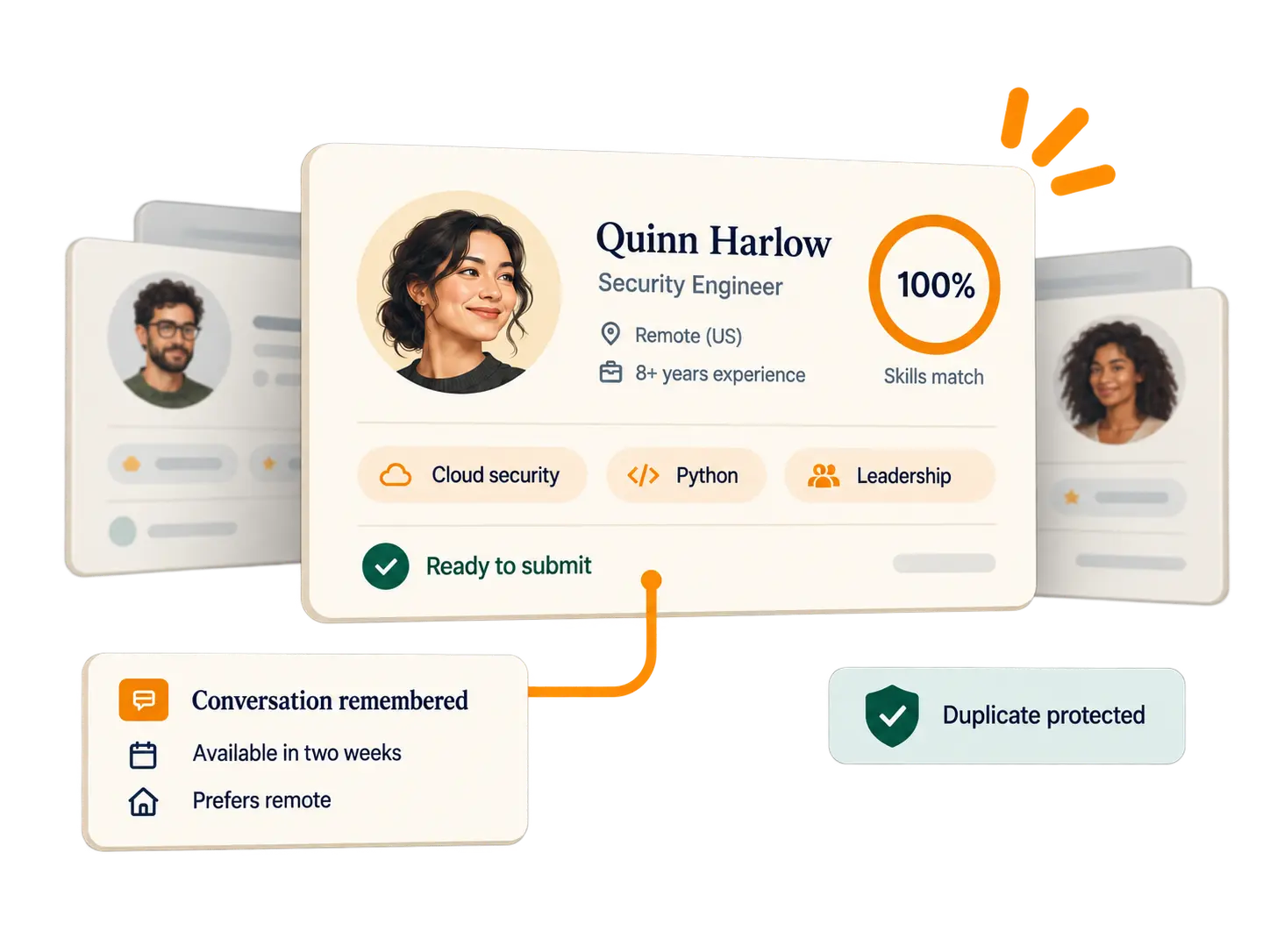
Resumes, call notes and transcripts become one searchable record of every candidate, with the source of every fact.

The recruiting CRM for independent recruiters and small agencies
Retreev remembers every conversation, finds the right candidates in your own pool and protects every fee, so when a hiring manager says "I need someone like this", the right people are already in front of you.
Why Retreev
The best placements come from people you already know. Retreev keeps every resume, call and note in one place, and puts the right people in front of you the moment a new job arrives.
Resumes, call notes and transcripts become one searchable record of every candidate, with the source of every fact.
Add a job and see your best existing candidates, ranked, with the evidence behind every match.
AI takes the notes, your calendar stays in step, and time and client reports take minutes, not evenings.
The product
Your workspace opens on today: what's due, who you're talking to and how your open jobs are moving.
Drop in a resume and Retreev builds the profile. Each fact shows where it came from, so you know what to double-check.
Paste in a job description or create the job yourself. Retreev ranks the people already in your pool against it.
Paste or dictate your notes after a call, or upload a Teams or Zoom transcript. Retreev turns them into profile updates and a follow-up, and you approve what's saved.
Connect Google Calendar or Microsoft 365. Schedule from a candidate's profile, send invitations with Meet or Teams links, and record what happened after each call.
Log your recruiting time by client and search, then turn it into a polished client update, drafted with AI, in Word or PDF.
The difference
How it works
Drop in PDF or Word resumes, one or hundreds. Retreev builds each profile and flags possible duplicates.
Paste in the job description and Retreev pulls out the must-haves and nice-to-haves, or create the job yourself.
Your existing candidates are ranked for the job, with the evidence behind every match.
Works with the tools you already use
Connecting a calendar is optional. Retreev uses calendar access only to show your events beside your Retreev appointments and to send the invitations you confirm. It is never sold, never used for advertising and never sent to AI. How calendar data is used.
Security and privacy
Recruiting data is sensitive. Retreev is built so it stays private to you and your team. How we keep it secure and our privacy policy.
Questions
Independent recruiters, boutique agencies and small in-house teams who place people they already know and want that knowledge organized and searchable.
No. Retreev runs in your browser on a laptop, and works on your phone for quick notes after a call.
Yes. Drop in PDF or Word resumes, one at a time or in bulk. Retreev builds each profile for you to review and flags possible duplicates.
AI reads resumes, notes and job descriptions to suggest profile details and explain matches. You review every suggestion before it's saved, your data is never used to train AI models, and calendar data is never sent to AI.
Google Calendar and Microsoft 365 or Outlook. Connecting a calendar is optional, and calendar data is used only for the calendar features you see in Retreev. How calendar data is used.
No. Retreev works for any kind of recruiting. Clearance tracking is an optional extra for teams that need it.
$99 per recruiter a month, or 15% off when you pay yearly, with AI included and no add-ons. The first 10 customers get a founders offer: 50% off the first year on a 12-month term, or 25% off the first 6 months month to month. See pricing.
We are opening Retreev to recruiters and small agencies in stages. Join the early-access list and we will let you know when your spot opens.
Just want to read about it first? Download the overview (PDF), no email needed.
A 14-day free trial, then founders pricing: 50% off your first year on a 12-month term, or 25% off your first 6 months month to month, is reserved for your email address, with no code needed. We'll email you when your spot opens. In the meantime, here's the overview.
Download the overview (PDF)